Task Management Built for Execution
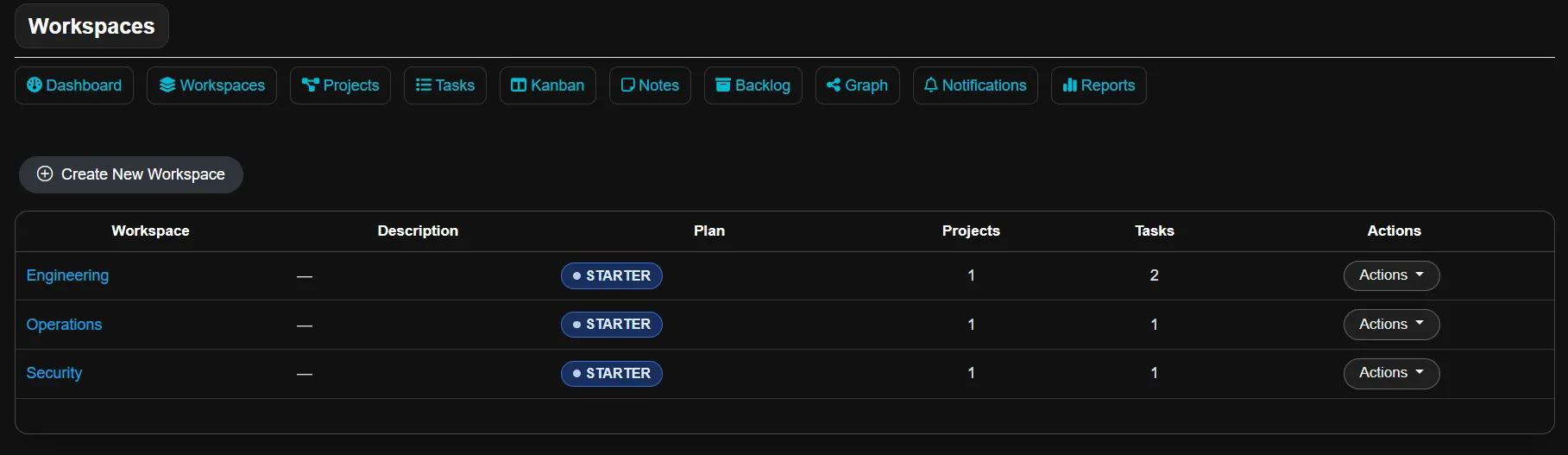
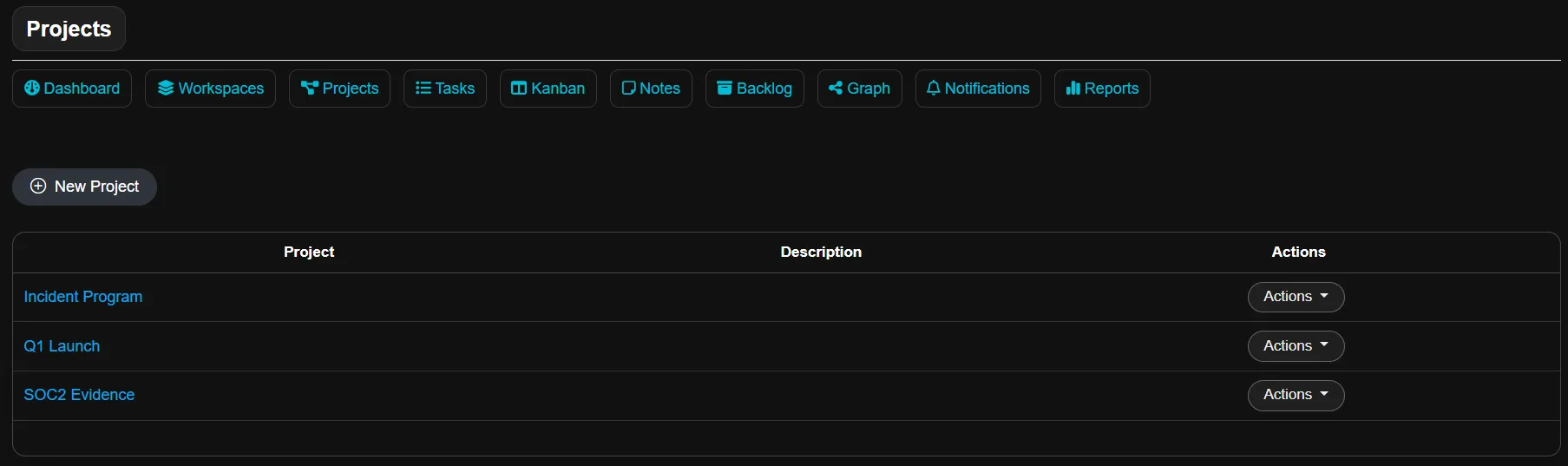
Velrin organizes work in a simple structure so teams stay aligned: Workspace, Project, Task, and progress visibility.
How Velrin Workflows Are Structured
Start with a workspace to define the team environment. Build projects inside it. Execute through tasks with clear ownership and audit-friendly progress history.
Workspace
A shared environment where a team collaborates. Workspaces define members, permissions, and visibility.
Project
Projects live inside a workspace. They organize initiatives so execution stays clean and scalable.
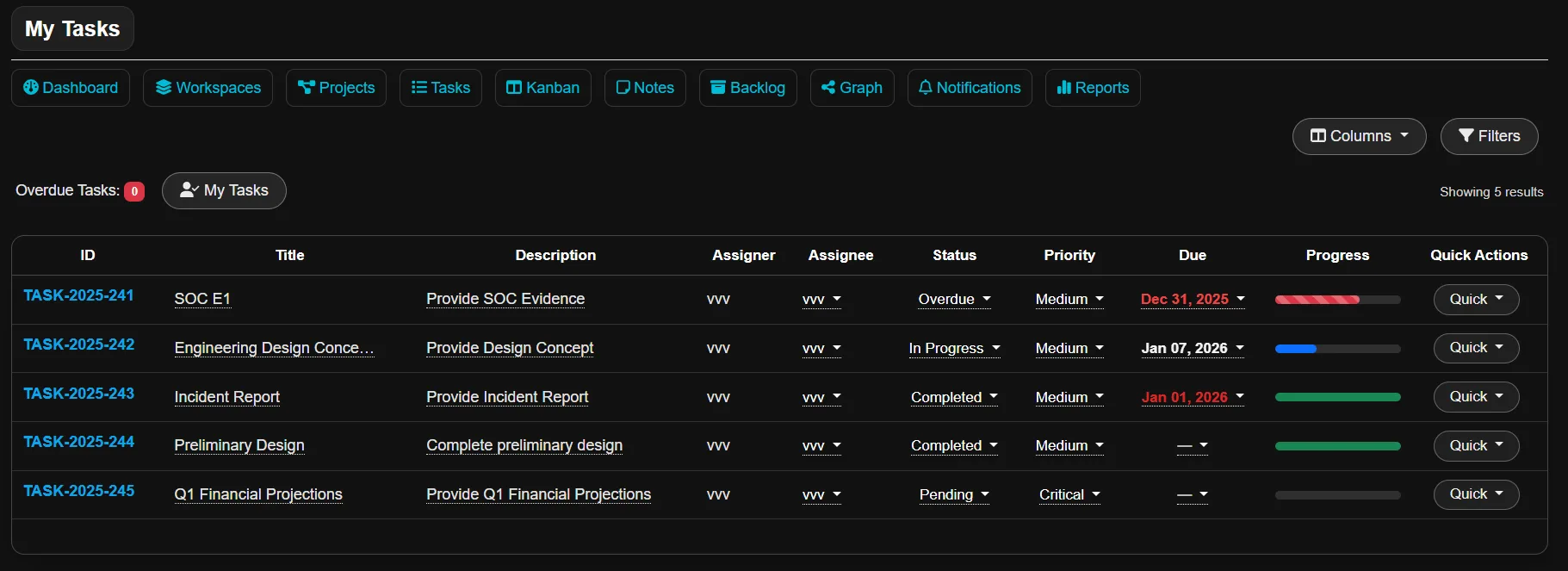
Task
Tasks are the execution layer. Each task has one assigner and one assignee for accountability.
- Priority, due date, and status tracking
- Progress updates with timestamps
- Watchers can follow without owning the task
Track and Report
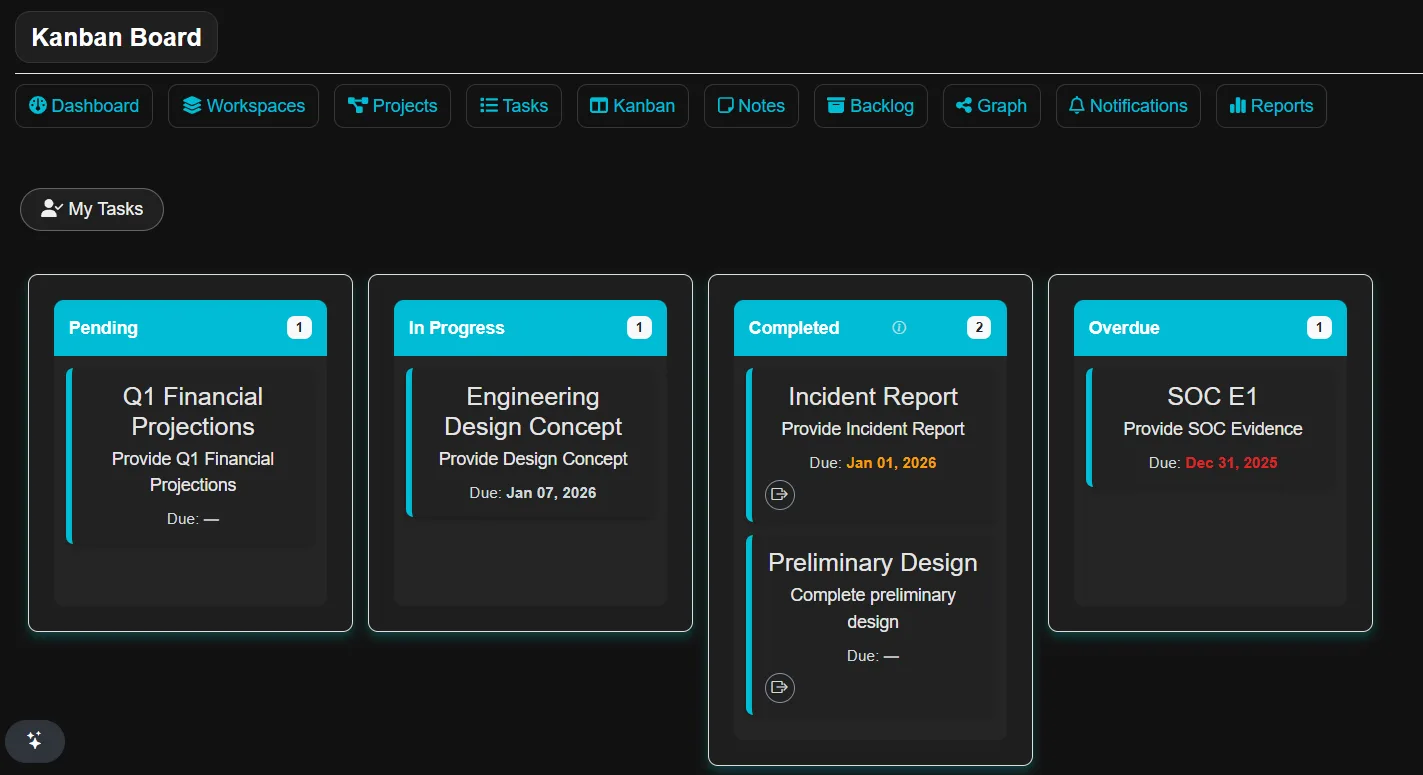
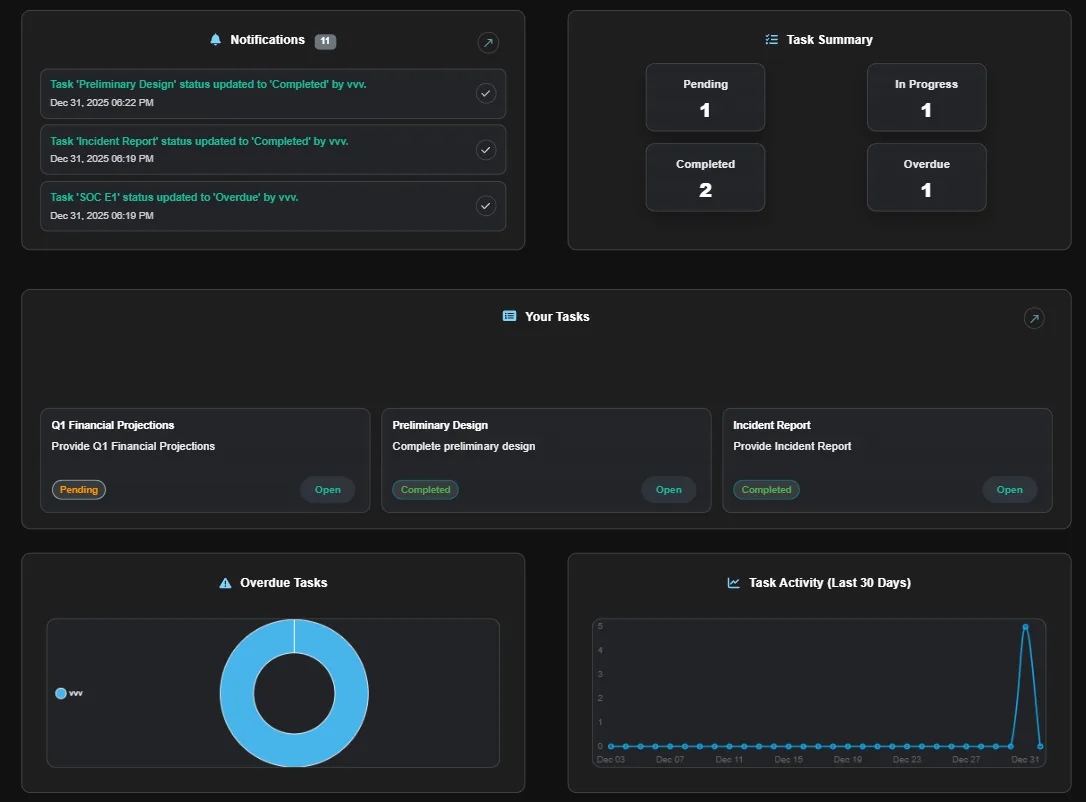
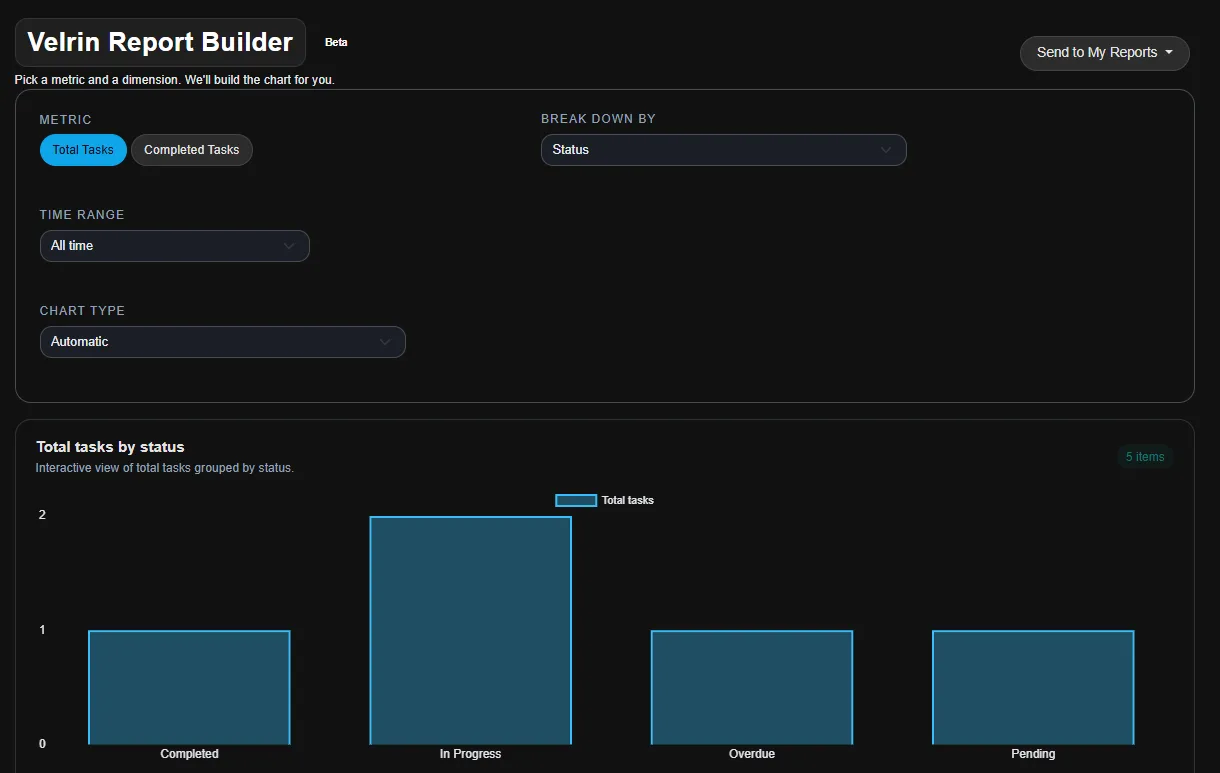
Teams work from a list view or Kanban, then translate execution into visibility with dashboards and reports.
- Kanban boards to move work across stages
- Dashboards for operational visibility
- Reporting that evolves as KPIs mature
Roles and Permissions
Workspaces support controlled access so teams can collaborate without losing accountability.
Owner
Full control of the workspace. Manages members, permissions, projects, and overall configuration.
Collaborator
Can collaborate within the workspace. Sees workspace work and edits tasks they are assigned to.
Viewer
Read-only visibility. Ideal for stakeholders who need awareness without changing execution.
Watchers for Collaboration Without Confusion
Tasks keep one assigner and one assignee for clarity. Watchers can follow updates and stay informed without owning execution.
What Execution Looks Like in Velrin
The same workflow can be managed from different views depending on how your team operates.